· by Rédaction
When Your Connection Is What Gets You Skipped: Understanding Latency and Bandwidth in Video Chat
Frozen video, voices out of sync, strangers leaving after three seconds: your connection may be sabotaging your video chat conversations. Here's how to diagnose and fix it.
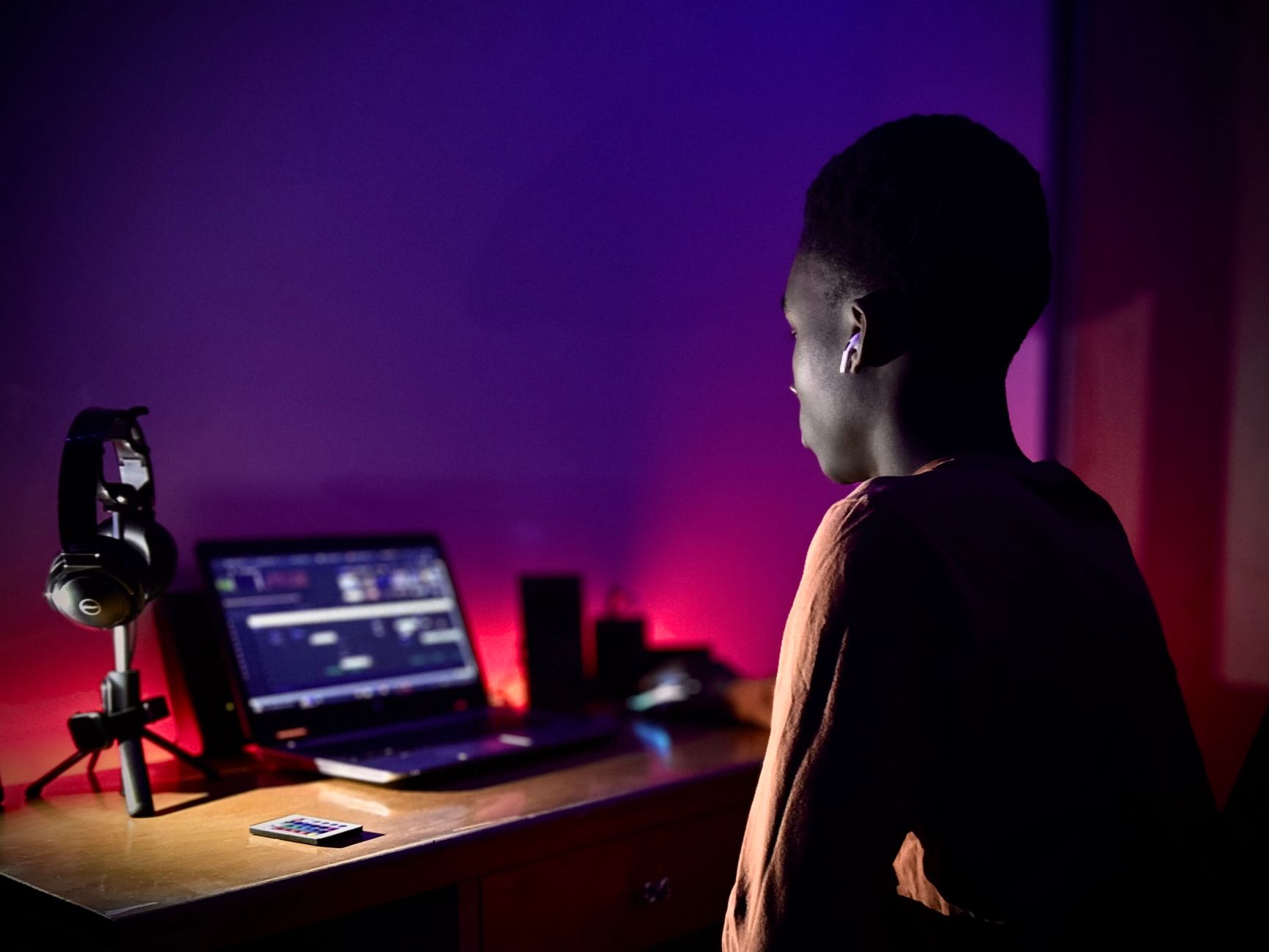
You're all set up. Decent lighting, camera at eye level, clean shirt, an opening line you've tested twenty times and that works. You connect. A face appears. You smile, you say hello.
On the other end, the person sees a square of green pixels, a face reassembling itself in chunks, and hears "he…ll…o" a tenth of a second behind lips that have already stopped moving.
They click next.
You go through this forty times. And you conclude — logically, but wrongly — that nobody finds you interesting. When the only problem is that your router sits at the far end of the hallway behind two load-bearing walls, and your upload speed caps out at 900 kb/s on a Sunday evening at 9 p.m.
Video chat is the only mainstream use case where a bad connection doesn't cause mild annoyance but instant elimination. On a work call, people wait, repeat themselves, turn the camera back on. With a stranger who has 300 other profiles a click away, there's no patience. There's a "next" button.
The Three Numbers That Decide Everything
People talk about a "good" or "bad" connection as if it were a single quantity. It isn't. Three different measurements govern a video chat, and they don't carry anything like the same weight.
1. Upload speed — the most overlooked
This is the number that actually matters. Your connection sends your image and your voice to the other person: that's upload. And consumer plans, especially on ADSL/VDSL, are massively asymmetrical: they sell you 20 Mb/s down and leave you 1 Mb/s up.
The ballpark figures used by videoconferencing platforms (the technical documentation from Zoom, Microsoft Teams and Google Meet all converge here):
| Quality sent | Upload speed required | |---|---| | Acceptable 360p video | ~ 500 to 800 kb/s | | Smooth 720p video | ~ 1.5 to 2.5 Mb/s | | Stable 1080p video | ~ 3 to 4 Mb/s |
Random video chat generally works peer-to-peer via WebRTC, the standard browser technology: your stream goes straight to the other person, with no relay server to smooth out the flaws. In other words, your upload speed is exactly what the other person sees. Not an average, not a compromise: your ceiling is their ceiling.
2. Latency (ping) — the silent conversation killer
Latency is the time it takes a packet to reach the other person. Below 100 ms round trip, nobody notices anything. Between 150 and 250 ms, the conversation goes "soft": you talk over each other, you both jump in at the same moment, you end up inserting artificial pauses.
Beyond 300 ms, it's over. The natural rhythm of a human turn at talk sits at around 200 ms of gap between two utterances — a finding documented by the interactional linguistics work of Stephen Levinson and Tanya Stivers at the Max Planck Institute for Psycholinguistics, conducted across about ten languages. Add 400 ms of network delay and you mechanically destroy the most intimate thing about a conversation: its tempo.
What the other person feels then isn't "they have a bad connection." It's "they're odd, they hesitate, they're not listening to me."
3. Jitter and packet loss
Jitter is the irregularity of latency. A stable 80 ms connection is excellent; a connection swinging between 40 and 300 ms is dreadful, even if its "average" looks flattering. Jitter is what produces images that freeze then suddenly speed up — the characteristic "catch-up" effect of a saturated Wi-Fi network.
Packet loss, for its part, is the most discreet enemy. At 1 %, nothing visible. At 3 %, the audio starts chopping. At 5 %, the person on the other end hears a robot.
Rule of priority: a sharp, smooth 360p image always beats a 1080p image that freezes. If you have to sacrifice something, sacrifice resolution, never stability.
A Ten-Minute Diagnosis
Before buying anything, measure. An honest diagnosis avoids 90 % of pointless spending.
Step 1: a speed test, but in the right place
Run the test from the device you actually use, in the exact spot where you sit, and at the time you usually connect. A test run at 11 in the morning, sitting next to the router, tells you nothing about your Saturday evening.
In France, Arcep provides a quality-of-service measurement tool ("Mon réseau mobile" for mobile, plus a certification framework for fixed-line measurement tools); tools like nPerf or Speedtest also do the job, as long as you read the upload line, the one everybody ignores.
Step 2: look at your browser's statistics
Chromium-based browsers expose a WebRTC diagnostics page during an ongoing call. There you can read, in real time, your outgoing bitrate, the number of lost packets, the resolution actually being sent and the jitter. It's brutal, but it's the truth: people often discover they think they're sending 720p when the camera drops to 320×240 as soon as there's more movement.
Step 3: the next-door-neighbour test
Two connections, two opposite results? Plug in a cable. If everything becomes instantly stable, the problem isn't your plan, it's your Wi-Fi. That's by far the most common case.

The Fixes, From Free to Paid
What costs nothing and changes everything
Get closer to the router, or switch to 5 GHz. The 2.4 GHz band passes through walls better but is saturated: microwave ovens, Bluetooth, and your neighbours' fifteen networks all share it. 5 GHz doesn't reach as far but offers higher throughput and far lower jitter. If your device sees two networks named "…-5G" and "…-2.4G", pick the first one when you're in the same room.
Free up your upstream bandwidth. Cloud backups, phone photo syncing, background updates and peer-to-peer file sharing all eat upload — exactly the resource you need. Shut them off during your sessions.
Close heavy tabs. A video chat encodes your image in real time: that's a CPU task. When the processor saturates, the encoder lowers the resolution or drops frames. Twenty tabs, a work call in the background and a paused game are enough to turn a good connection into mush.
Plug in your laptop. On battery, most systems throttle the processor and reduce the encoding rate. The same device, on mains power, sends a noticeably cleaner image.
The hardware that actually solves the problem
In order of value for money, and only if the diagnosis has confirmed it:
- The cable. A five-metre Cat 6 Ethernet cable, run along a skirting board, eliminates jitter, packet loss and random dropouts in one go. It's the most cost-effective investment on this entire list, and by far the least glamorous.
- An adapter if your machine no longer has a port. Most thin laptops have dropped the network socket: a USB-C gigabit Ethernet adapter costs the price of two coffees and gives any device a wired connection back.
- Powerline adapters or mesh. If running a cable is impossible, a powerline Wi-Fi kit uses the electrical circuit — effective in an older flat, uneven depending on the wiring. A dual-band mesh Wi-Fi system handles large homes and multiple floors more cleanly, but costs considerably more.
- Moving the access point. Sometimes all it takes is pulling the router out of the closed TV cabinet where it's suffocating between a set-top box and a power strip. A radio device shut inside metal and wood loses a considerable share of its range.
The mobile case, and 4G/5G
Plenty of sessions happen from a smartphone on mobile data. That can work very well — 5G often offers better latency than ADSL — but with two traps.
The first: mobility. A train or car journey triggers cell handovers that cut the stream for one or two seconds. Nothing survives that.
The second: heat. Encoding video generates heat. A hot phone throttles its processor within minutes, and your image degrades progressively without you seeing it, since all you see is your own local preview, always perfect. It's a formidable blind spot: you never see what the other person sees.
An adjustable clamp phone stand, which keeps the device ventilated and steady, fixes the problem better than you'd imagine — stable framing and heat dissipation in one move.

What a Bad Connection Does to the Conversation Itself
The network doesn't just degrade the image. It degrades behaviour.
You become someone else
With 400 ms of latency, you unwittingly learn to speak in monologue: you string your sentences together to avoid collisions, you stop leaving room for little follow-up prompts, you lose the "mm-hms" that signal you're listening. The result: you come across as talkative and self-absorbed when in fact you're compensating for a technical flaw.
Misunderstandings of rhythm
An 800 ms silence is interpreted, across every culture studied, as a signal: disagreement, discomfort, hesitation. When the network manufactures those silences, the other person reads them as emotional cues. You seem reluctant. You seem to be searching for words. You seem to be lying.
The vicious circle of attention
The more the image stutters, the less the other person looks at your face — they look at the artefact. Attention shifts from content to medium. And a conversation where people scrutinise the technology rather than the person has no chance of lasting twenty minutes.
A Protocol for a Clean Session
A simple sequence, to be done once and then turned into a reflex:
- Before you connect, plug in the power and, if possible, the network cable.
- Shut off cloud syncing and any downloads in progress.
- Test your upload once in the evening. Note the number.
- Deliberately cap the resolution if your upload is below 1.5 Mb/s: many browsers and webcam drivers let you force 640×480 or 1280×720 at 24 frames per second. A modest but stable image is perceived as "normal"; a high-definition image that freezes is perceived as "broken".
- Favour a dedicated microphone. Audio is what holds the conversation together when the video falters — and it uses twenty times less bandwidth. A cardioid USB microphone, or even a wired headset with a mic, keeps you intelligible even in the worst network conditions.
- Watch your device's temperature after ten minutes. Hot = degraded image.
The small detail nobody bothers with
Ask. Half the time, a simple "can you hear me okay? is the video coming through?" as an opener changes the dynamic: you show that you're paying attention, you get information you can't possibly see yourself, and you turn a potential flaw into a first cooperative exchange. It's one of the rare opening lines that actually serves a purpose while being perfectly ordinary.
And When the Problem Is on Their End?
Symmetrically: don't judge someone on three seconds of pixels. A significant share of the people you skip for having an "ugly image" simply have weak Wi-Fi, an old phone, or a connection shared six ways in student housing.
Two useful reflexes:
- Give it five more seconds when the image is bad but the person is talking and smiling. The stream often stabilises after initialisation.
- Switch to audio and text if the video is beyond saving. Many of the best conversations start out degraded.
One last word on security, since the topic is related: if you use a VPN to protect your IP address — a legitimate reflex, and the CNIL regularly reminds us how important it is to limit our personal footprint online — be aware that it adds latency and a network detour. Choose a geographically nearby server, and accept that the trade-off between privacy and smoothness is real. Sometimes a server in Paris is better than a server in Singapore.
The Takeaway
Video chat has this cruel peculiarity: it judges before it understands. You'll never get the chance to explain that your router is old. What you can do, on the other hand, fits in one sentence: measure your upload speed, stabilise your connection, and always favour smoothness over definition.
This isn't the exciting part of the subject. Nobody wants to talk about cables when they came looking for conversation. But between two equally charming people, the one whose image doesn't freeze will have ten times more long conversations. Technology isn't what creates connection — it's only what allows it to exist.